

Quick Tips
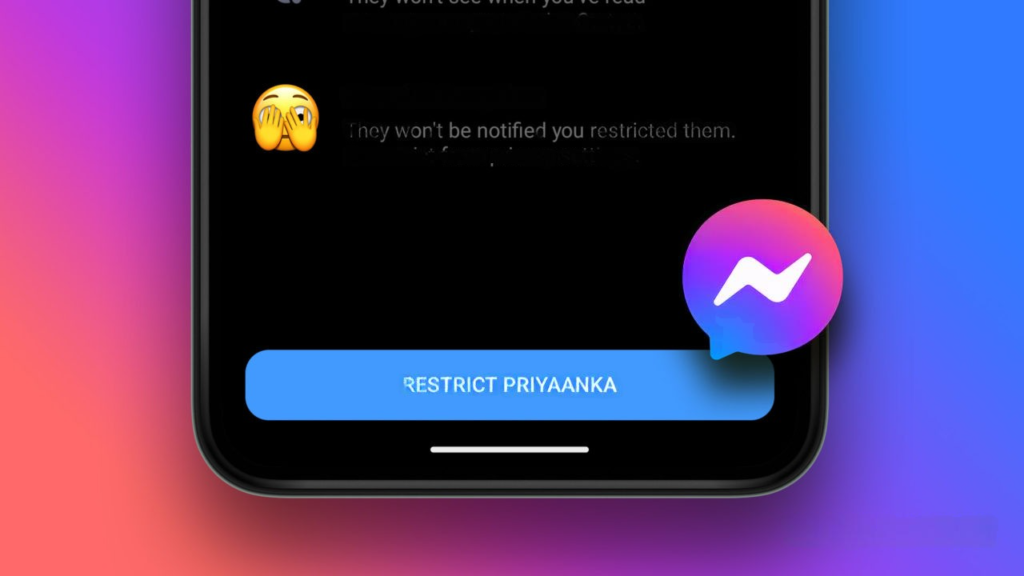
1. Using the restriction feature, you can hide yourself from everyone without blocking them.
2. I am not receiving notifications about the other person's messages, and I cannot reply.
3. The other person's chat will always be hidden, and they will not be able to see your online status.
How to hide yourself from others using the restrictions feature
The procedure is the same for Android and iOS, but it is not available when using a computer.
Step 1: Messenger Open the app and restrict it. The other person's chat Search.
Step 2: On iOS, conversations Swipe left to select "Other". Tap it. On Android, long press and Flyout Menu Open it.
Step 3: Tapping "Restrictions" will display the details of the restrictions.
Step 4:
lastly,
"Restrict

How to view users and remove restrictions from Messenger settings
Step 1: Messenger Open the app, in the upper left corner Icon with three dots Tap it.
All-in-one video converter
Download videos with one click from YouTube, Facebook, Twitter, Instagram, NicoNico, TikTok, Reddit, Netflix, and other video sites. Lossless music converter compatible with Apple Music, Spotify, YouTube Music, SoundCloud, and more. Try it now!
Step 2: Gear icon Tap "setting" Open it, "Privacy and safety" > "Restricted account" We will move to this location.

Step 3: Remove the restriction from the contact list of a restricted account. conversation Tap it.
Step 4: "Continue" > "Restrictions lifted" Tap it. The chat will appear, and that user will return to the normal chat list.

FAQ
How can I tell if someone with restrictions is in the group?
To check if someone you've restricted is in a group, go to the Facebook group, tap the group name to view the chat members, and see if that person is there. Facebook also notifies you when someone joins a group for the first time.
Can I receive phone calls from restricted people?
Even if you restrict someone on Facebook Messenger, they may still call you. However, you won't be notified of their calls, and your phone won't ring when they call.





